Solutions
A journal that keeps up with day trading
Ten trades a session shouldn't mean thirty minutes of data entry. Broker auto-sync, quick entry and CSV import turn high-volume days into clean, reviewable sessions.
Day trading generates data — use it
A day trader taking eight trades a day produces over 1,500 data points a year: enough to know, statistically, which setups, hours, and instruments pay. Most day traders throw that sample away by not recording it. Quick entry and CSV import keep the record building today — and once auto-sync launches, it will build itself while you trade.
One report intraday traders tend to reach for first is hour-of-day analysis, which breaks your own results down by the hour you traded them. Some traders find their results cluster in particular windows and erode in others; whether yours do, and where, is something only your own data can answer.
Catch tilt while it's still cheap
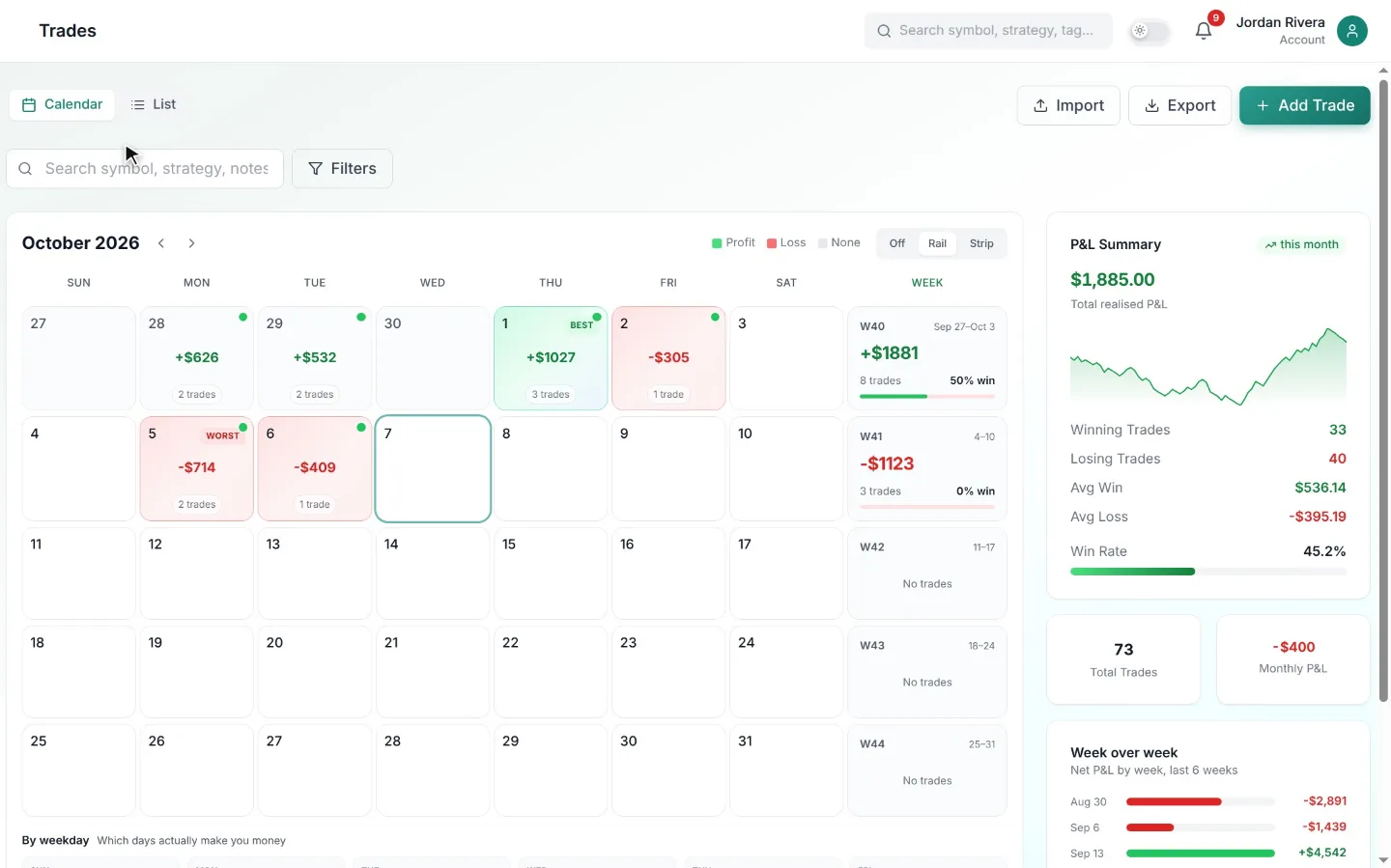
Tilt announces itself in data before it destroys an account: trade counts creep up, average hold times shrink, and losses cluster after red mornings. The calendar and daily stats make those signatures visible in review, and the pre-market briefing gives you a circuit-breaker — a written plan that today's behaviour can be checked against.
FAQ
Common questions
Keep exploring
Related tools
Stop guessing. Start journaling with an edge.
Turn scattered notes into a measurable, repeatable process. Start with a 7-day free trial and keep it only if it pays for itself.