Journal & Tracking
Your fills, imported automatically
Connect your broker once and every execution flows into your journal automatically — no statement exports, no copy-paste, no missed trades. For any other broker, CSV import brings in your history.
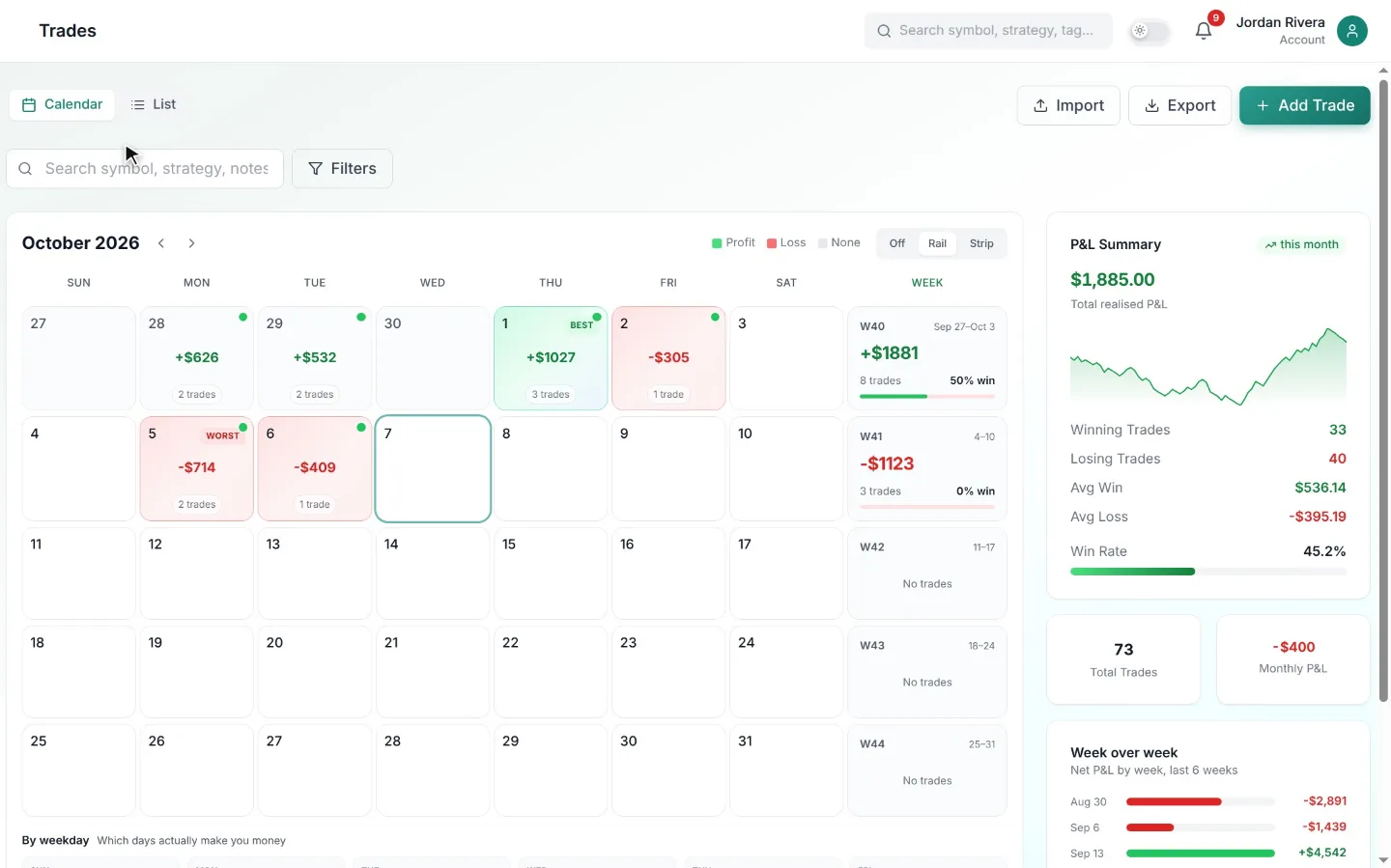
The journal that fills itself
Manual entry is where journaling habits go to die — especially for active futures traders taking ten or more trades a session. Auto-sync removes the chore entirely: entries, exits, quantities, and timestamps arrive from your broker as they happen, accurate to the fill.
That accuracy matters for analytics. Slippage, partial fills, and scaling in and out are captured exactly as they executed, so your win rate and expectancy are computed from reality, not from what you remembered to type.
Built for prop-firm evaluation accounts
If you're trading an Apex, Topstep, or MyFundedFutures evaluation, your journal is your early-warning system. Synced trades let you watch your daily loss usage and consistency in one place, and keep a permanent record that survives account resets.
Tradovate connects with OAuth, so ZalorTrade never sees your broker password, and ProjectX with an API key you can revoke at any time — and every import is idempotent, so re-syncing never duplicates a trade.
No supported broker? CSV has you covered
Every broker can export a statement. ZalorTrade's CSV import maps your columns, validates every row, and skips duplicates, so you can backfill years of history in one upload and keep any broker's trades flowing with a weekly export.
How it works
Up and running in minutes
Connect
Sign in to your broker, or add your ProjectX API key — takes about a minute.
Trade as usual
Fills sync automatically; each round-trip becomes a journal entry.
Add your context
Tag the setup and drop a note — the numbers are already there.
FAQ
Common questions
Keep exploring
Related tools
Stop guessing. Start journaling with an edge.
Turn scattered notes into a measurable, repeatable process. Start with a 7-day free trial and keep it only if it pays for itself.